
Edit this image, remove the two…
Edit this image, remove the two wrong angled mounting brackets at the bottom position, keep only the
//////鱼小姐
2026.05.25Edit this image, remove the two wrong angled mounting brackets at the bottom position, keep only the
//////鱼小姐
2026.05.25


![[Page 5] Easy Installation Steps & Specification Parameter.
[Atmosphere/Style] Clear steps + parameter card, clean and practical professional style.
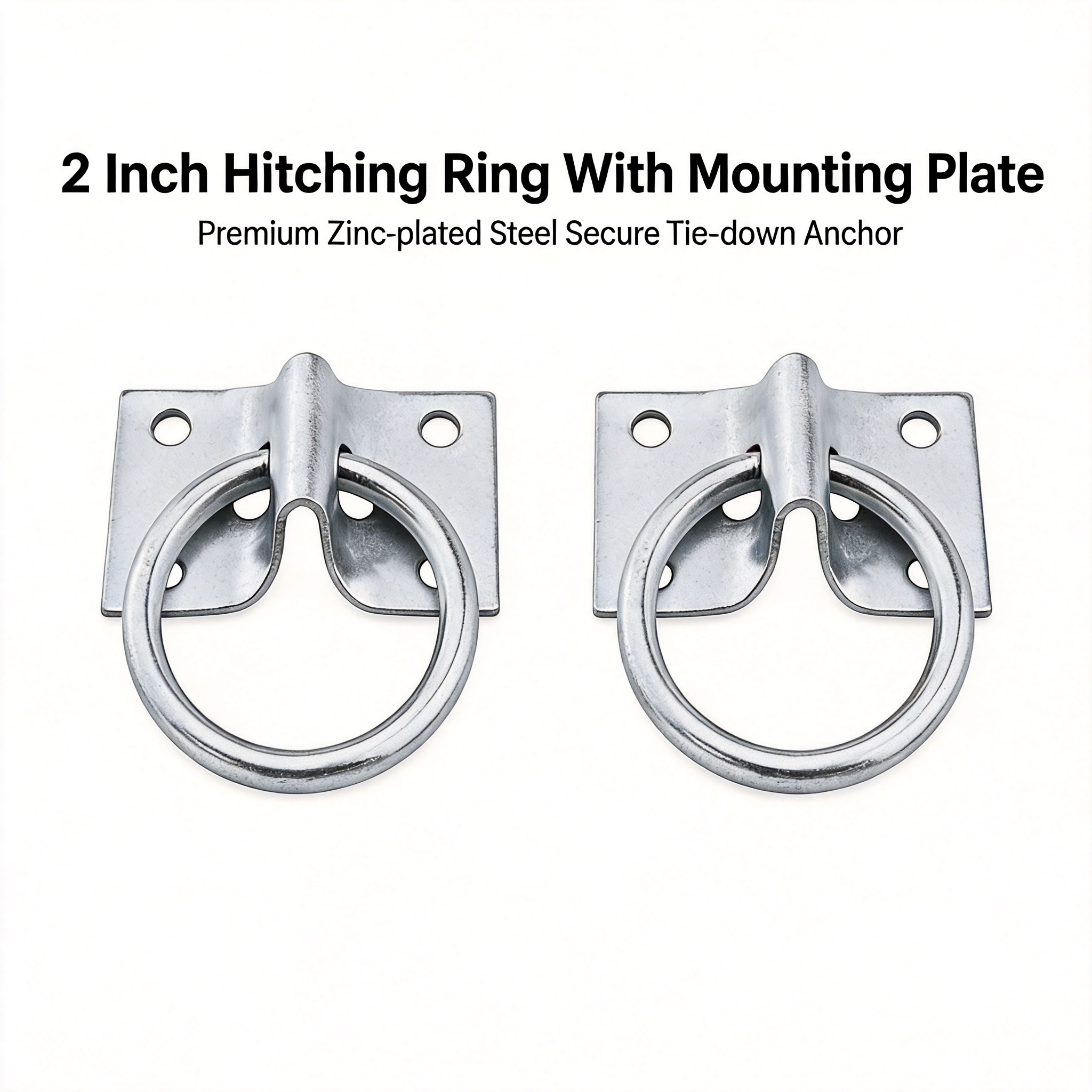
[Element Layout] The picture is divided into left and right parts, the left three steps to illustrate the installation, accounting for 60% of the picture, the right side for the product size parameter card. Step 1: Place the mounting bracket in the marked position, step 2: Fix the bracket with the matching screws, step 3: Complete the installation and connect the rope/strap. Each step has a simple small schematic diagram, and the D-ring anchor product consistent with the input picture is used. The right parameter card lists the core size parameters, with clear text. Full screen no border, pure white background.
[Light and Shadow Texture] Even soft light, clear steps, clear text, smooth picture, no dark area.
[Color Scheme] Global background color: #FFFFFF; black text, light gray step dividing line, silver product.
[Perspective Composition] Left text steps, right parameter card, flat layout, clear level.
[Text Layout] Main title "Easy Installation & Specifications" at the top, left-aligned, black bold. Left three steps: each step has a number title + short description: 1 Mark Position, 2 Secure Bracket, 3 Ready To Use. The right parameter table: "Ring Diameter: two inches (5cm)", "Plate Dimensions: 1.5 x 1.8 inches", "Material: Zinc Plated Steel", "Package: 2 Set (2 Anchors + 2 Brackets + 8 Screws)". All text English, no Chinese, clear layout.
[Proportion Resolution] 970:600 (97:30) proportion, 2k resolution, text clear and recognizable, ultra HD.
[Negative Prompt] Deformed, watermark, text confusion, blurred product image, messy background, Chinese characters.](https://gd-cms.dancf.com/gd-cms/xi19e5/0/631a216e-153e-4f36-b5dd-edab323e4c223934.png?x-oss-process=image/resize,w_640,type_6/sharpen,120/interlace,1)








![[A+ Page 5] Product specification and note. Size 970×600. [Atmosphere Style] Clear specification summary style. [Quality] Neat typography, clear information. [Elements] Left side shows the complete package with four rope clips, keep the product appearance consistent with the input image, no distortion. Right side organized specification table: Product Name: Double Rope Loop End Clamps; Material: High Quality Zinc Alloy; Fits Rope Size: 3/8" to 1/2", Max 2-1/2" diameter; Package Content: 4-Pack Clamps. At the bottom add the note: Note: Designed for daily rope fixing use only, not for overhead lifting. Pure white background, organized layout, compliant with Amazon standards. [Lighting] Uniform soft lighting, clear table text. [Color matching] White background, silver product, clear dark text. [Resolution ratio] 970×600 pixels, 2K resolution, all text clearly legible. [Negative prompt] Deformation, watermark, text disorder, blurred product, Chinese characters, prohibited exaggerated words.](https://gd-cms.dancf.com/gd-cms/xi19e5/0/c72f4877-f9de-4d58-b859-bd6bcc1104be2182.png?x-oss-process=image/resize,w_640,type_6/sharpen,120/interlace,1)

![[Main Image 4] Compatible rope diameter size display for rope clamps. [Atmosphere Style] Clear specification introduction style. [Quality] Commercial photography, sharp text, clear size markers. [Elements] One rope clamp placed on pure white background, mark all dimensions with clear blue dimension lines and text, dimensions are 51mm/2in length, 19mm/0.748in width, 27mm/1.06in curved width, 17.5mm/0.69in opening size. Add text description: Fits 3/8" to 1/2" Twisted & Braided Ropes. Keep the product appearance (physical structure, material texture, color) completely consistent with the input product image, eliminate any deformation and chromatic aberration. [Lighting] Uniform soft studio lighting, all text and dimension lines are clearly legible. [Color matching] Pure white background, silver product, blue dimension lines, dark text. [Perspective composition] Centered product, dimension lines placed reasonably without obscuring the main body. [Resolution ratio] 1:1 ratio, 2048px resolution, ultra HD. [Negative prompt] Deformation, watermark, text disorder, blurred product image, cluttered background, any Chinese characters.](https://gd-cms.dancf.com/gd-cms/xi19e5/0/b3b015b8-c8ee-4e68-a195-2d02521c3ecb2145.png?x-oss-process=image/resize,w_640,type_6/sharpen,120/interlace,1)